April 29, 2022
QuickStart — Barcode Job Description
- Launch CC Capture with CC-2D connected
- In Print Inspector scan the codes below.
- Observe the "Job ID" and "Customer" fields — the content should be updated automatically.
By default CC-2D is capable to read the following codes:
| Code | CC Capture Field: Job Name | CC Capture Field: Customer | |||||
| Code 128 | 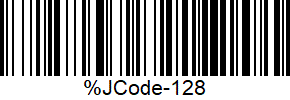 |
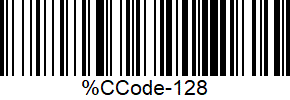 |
|||||
| Code 39 | 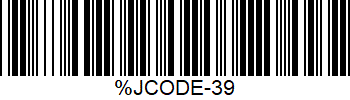 |
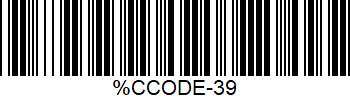 |
|||||
| Code 93 | 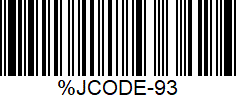 |
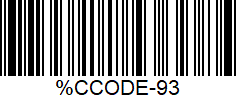 |
|||||
| QR Code |  |
 |
|||||
| Data Matrix |  |
 |
|||||
| PDF417 |  |
 |
|||||
Learn more about CC Capture and barcodes here
Contact ChromaChecker Support
Additional information and Support Form is available for logged users.